The year interfaces got quieter — and smarter
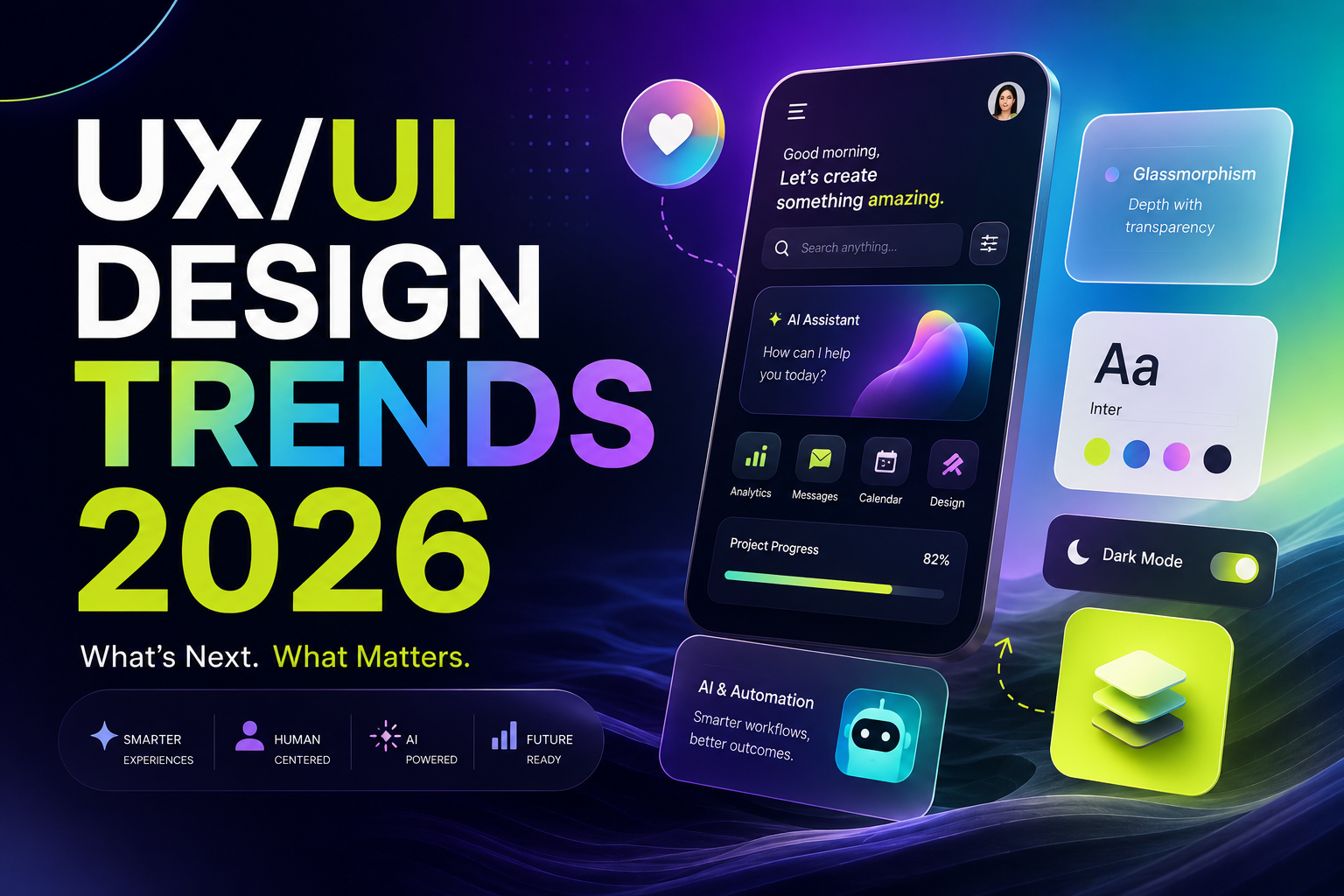
2026's design language is shaped by one tension: products are more capable than ever, while users have less patience than ever. The trends that matter this year all resolve that tension in some way — reducing noise, anticipating intent, and making complexity feel effortless.
1. AI-native interfaces
The chat box was version one. In 2026, AI moves into the interface itself: smart defaults, inline suggestions, and screens that reorganize around what the user is trying to do. The best AI UX is increasingly invisible — users just notice that the product feels like it "gets" them.
2. Expressive minimalism
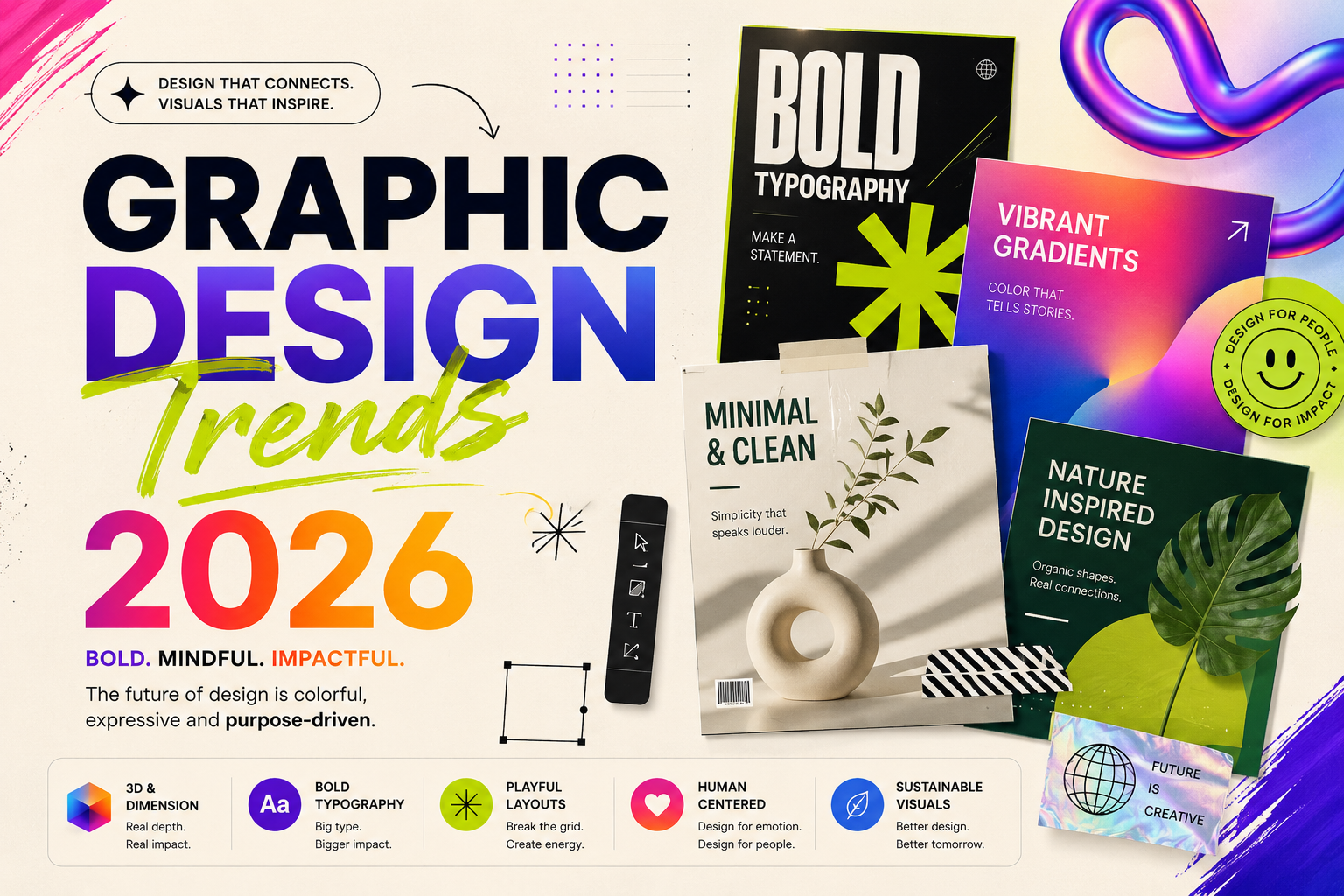
Flat, gray sameness is out. Interfaces stay clean, but personality returns through bold serif accents, confident color moments, and micro-illustrations. Think editorial layouts applied to product design — structure from minimalism, soul from typography.
3. Big type, small screens
Oversized display typography — often with italic serif accents — dominates hero sections and dashboards alike. It creates hierarchy without decoration and reads instantly on mobile.
4. Dark mode as a first-class citizen
Dark themes are no longer an afterthought toggle. Fintech, crypto and pro tools now design dark-first, with carefully tuned contrast, glows and depth — treating darkness as atmosphere, not just inversion.
5. Motion with meaning
Animation budgets are spent on communication, not spectacle: state changes, progress feedback, and spatial transitions that help users keep their bearings. If a motion doesn't explain something, it gets cut.
6. Trust surfaces
With AI everywhere, users need to know what's real, what's generated, and what's certain. Expect more confidence indicators, source citations, and "why am I seeing this?" affordances baked directly into UI patterns.
7. Accessible by default
Accessibility has moved from compliance checkbox to design foundation — larger touch targets, stronger contrast, reduced-motion options and screen-reader-first flows. Products designed for the most constrained users consistently turn out better for everyone.
What to do with all this
Trends are ingredients, not recipes. Steal the thinking — clarity, trust, personality with restraint — and apply it to your product's actual users. That's how trend-aware design avoids becoming trend-driven design.
Have a project in mind?
Let's turn these ideas into your product. Talk to the Dclan team.